Atlas Trainer App

Coach with the client context already in view.

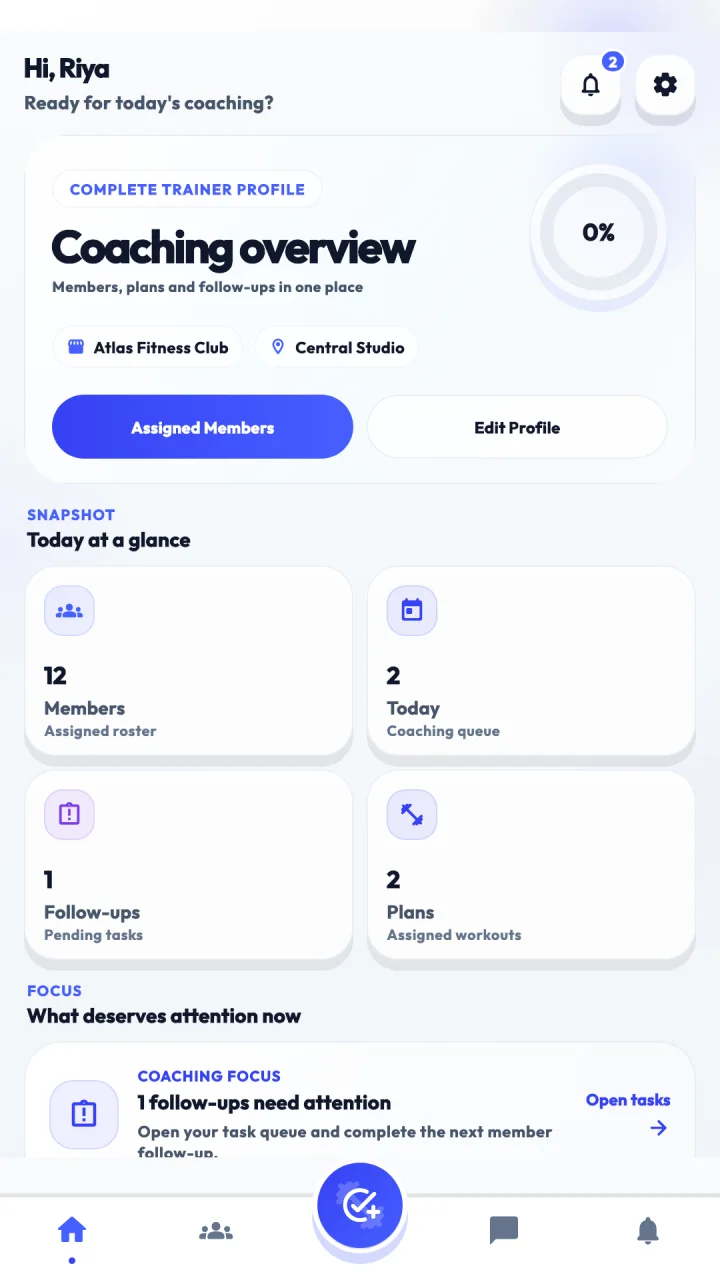
Atlas gives independent and gym-connected trainers a focused workspace for members, daily follow-ups, workout and diet plans, announcements, messaging and alerts.

Independent trainers must complete account verification before adding members or managing member plans. Atlas does not operate a public trainer marketplace.

Atlas Trainer dashboard showing the daily coaching workspace.

A clearer coaching day

See who needs attention, then act in context.

Open the day with a client queue, move into a member’s plan and progress, capture the next follow-up and keep the conversation attached to the same verified trainer-member relationship.

  1. 1 Review today’s clients and alerts
  2. 2 Open the member’s training and progress context
  3. 3 Assign or update the right plan
  4. 4 Record a note, task or message
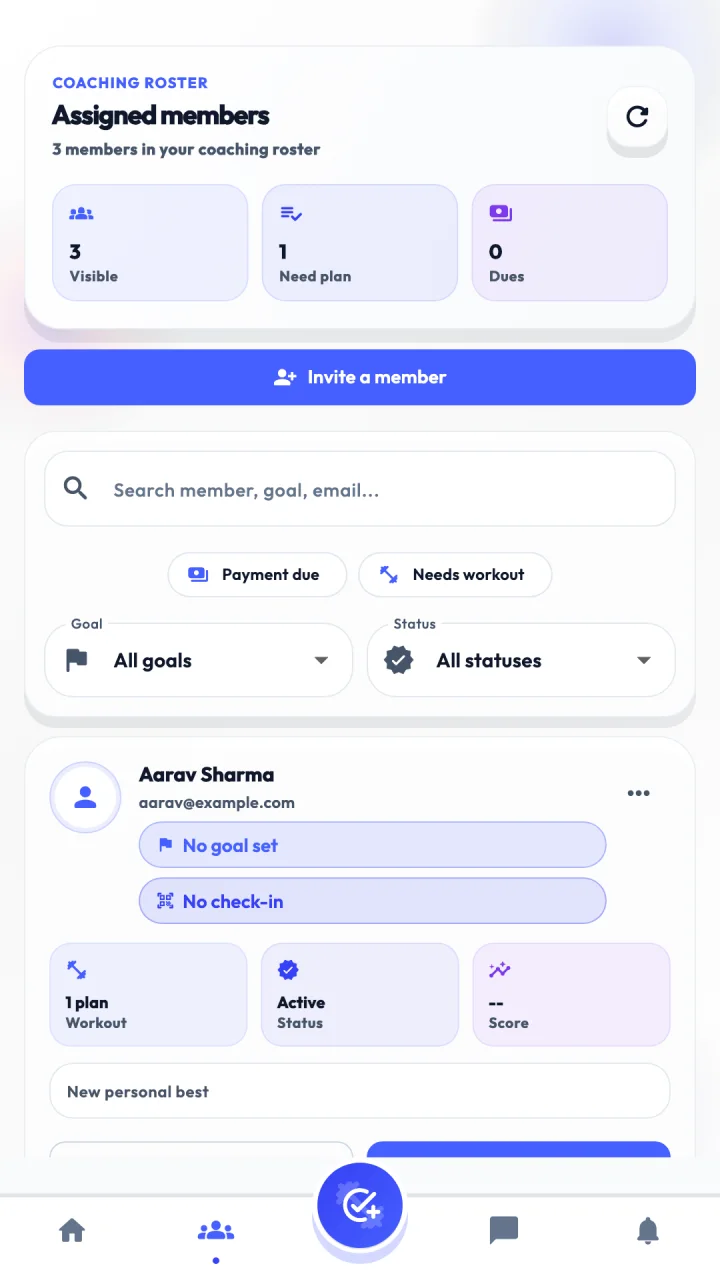
Atlas Trainer client roster showing assigned members.

Detailed capabilities

A practical workspace for current coaching workflows.

Every capability below is part of the current trainer surface. Account verification, role and gym permissions apply where required.

01

Start with the right clients and context

See today’s focused client queue and your assigned member roster. Open a member to review fitness context, attendance, workout plans, progress and workout history before following up.

  • Today’s client queue
  • Assigned member roster
  • Attendance, progress and logbook context
02

Build repeatable coaching plans

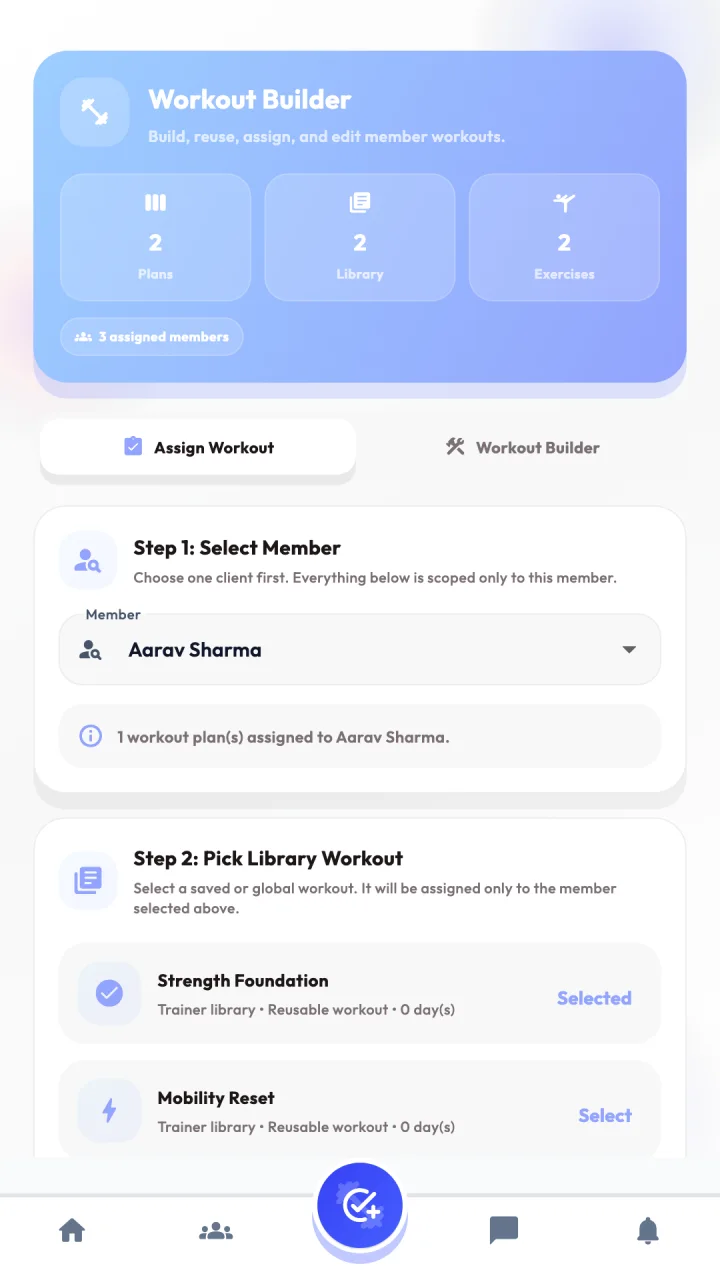
Create structured workout plans, build reusable templates, search the exercise library and add coaching-specific exercises. Preview and assign the right program to an eligible member.

  • Workout templates
  • Member plan management
  • Exercise library contribution
03

Plan meals when your access permits it

Create meal-based diet plans, maintain reusable diet templates and assign them to eligible members when the required access is available. Gym-connected trainers remain subject to gym permissions.

  • Access-aware diet builder
  • Reusable diet templates
  • Member assignment workflow
04

Keep follow-up work visible

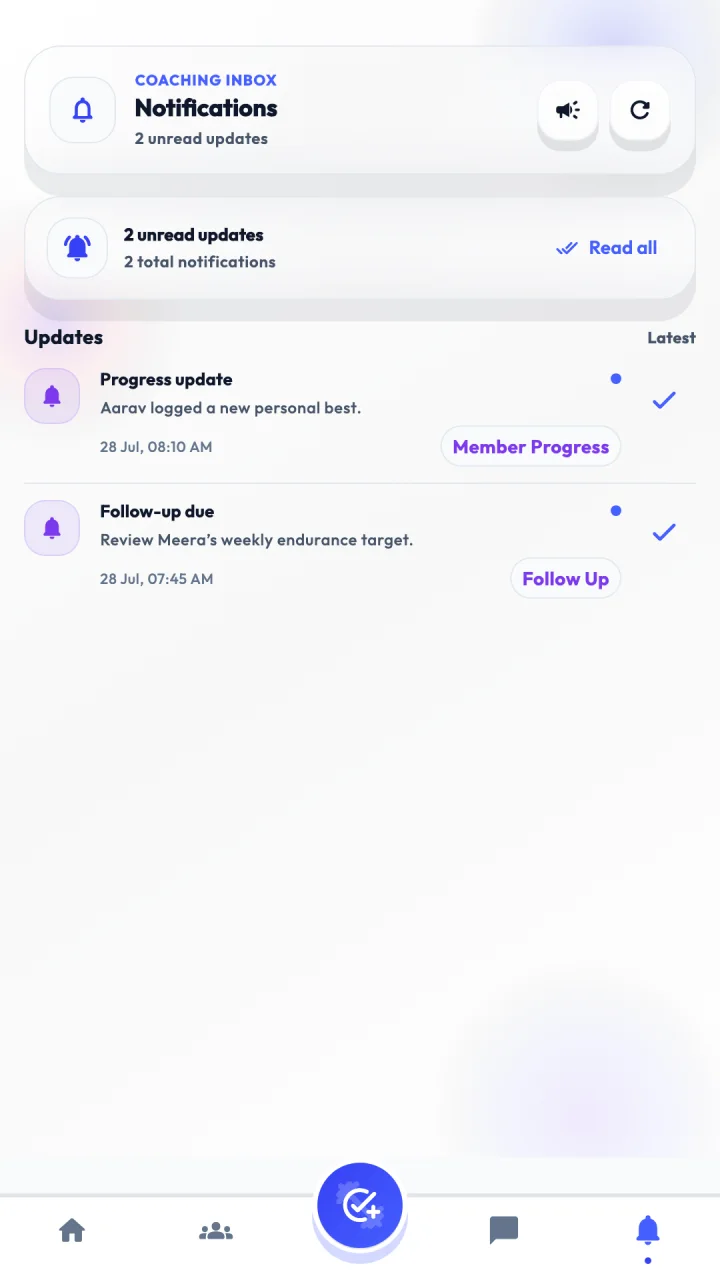
Capture member notes, update them, mark work complete and review pending follow-ups. Handle trial leads assigned by the gym, invite prospective members into the approval workflow and publish trainer announcements.

  • Notes and pending tasks
  • Assigned trial lead updates
  • Invitations and announcements
05

Keep conversations inside the coaching workspace

Use persistent member conversations with message history and read state. Live delivery updates depend on the realtime service configured for the deployment; safety controls include reporting, blocking and unblocking.

  • Member inbox and threads
  • Realtime updates and read state
  • Conversation safety controls

Current product scope

Two valid paths into the same coaching workspace.

Independent trainers can use Atlas after creating an account, but must complete account verification before they can add members or manage member plans. Gym-connected trainers continue to work within their gym, branch, member assignments, role and granted permissions.

Atlas does not promise public trainer discovery or hiring, paid online coaching, live video or voice sessions, or AI-generated programs. It is a coaching workspace—not a public trainer marketplace.

Trainer access

Bring your coaching workflow into Atlas.

Tell us whether you are joining independently or through a gym. The Atlas team can guide the appropriate account and verification path.